

Legacy AI inference endpoints (retired)
Overview
Module Retired (CMP-2888): Dedicated AI Inference Endpoints have been retired in favour of the AI Gateway. New dedicated endpoint creation is disabled. Existing endpoints continue to serve requests and can be managed or deleted from /dashboard/inference. For new workloads, use the shared AI Gateway (https://inferapi.cloudpe.com/v1). See Migrating from legacy inference endpoints to serverless API.
The legacy AI Inference module previously allowed deploying open-source models from the HuggingFace Hub as dedicated inference API endpoints on single GPU VMs. This feature is now retired.
When an organization has existing endpoints, the navigation menu displays Legacy Inference under the PLATFORM group. If no endpoints exist for an organization, this section is hidden from the sidebar.
Existing endpoints remain operational until deleted. Each endpoint is a single GPU VM with no autoscaling. To stop incurring charges for a legacy endpoint, delete it from the dashboard.
Before you start
- Endpoints are frozen — new endpoint creation is disabled.
- Permissions — listing endpoints requires
vms:read, and deleting an endpoint requiresvms:delete. - Existing endpoints continue running and incur standard GPU VM hourly charges until deleted.
- For new deployments, migrate to the AI Gateway at
https://inferapi.cloudpe.com/v1or browse available models at/dashboard/ai/models.
Steps
Open Legacy Inference from the navigation to reach the endpoint list at
/dashboard/inference.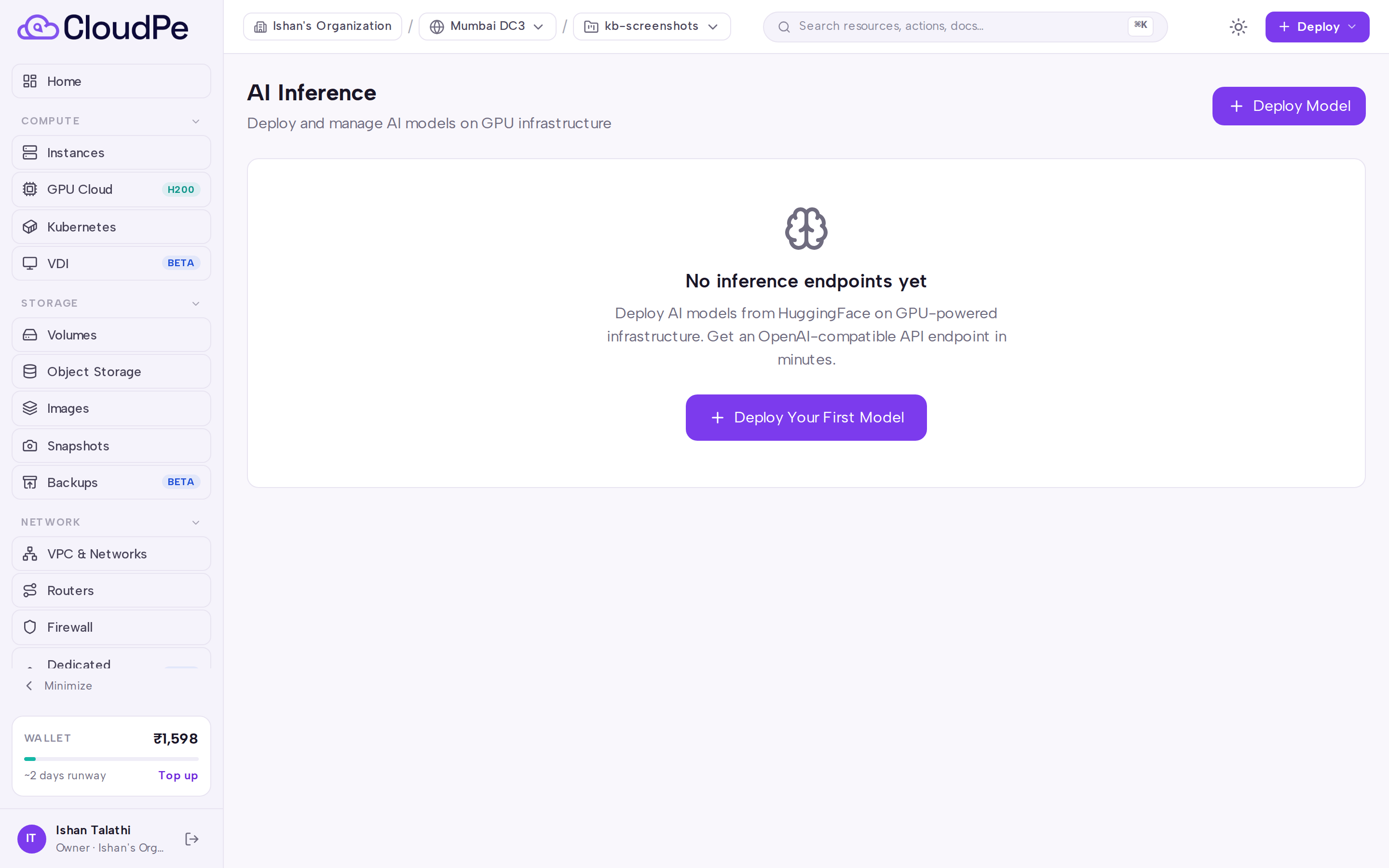
Review running endpoints and note their served models and configurations. The Deploy Model button is retired and new endpoints can no longer be created.
Migrate workloads to the AI Gateway. Browse available models at
/dashboard/ai/modelsor call the AI Gateway endpoint directly athttps://inferapi.cloudpe.com/v1. Update your client applications with an AI Gateway API key and the shared base URL.Delete legacy endpoints when migration is complete. Click the delete action on the endpoint card to tear down the underlying GPU VM and stop further charges.
API
All calls use bearer authentication with an API key.
List endpoints — GET /api/v1/inference/endpoints
curl https://app.cloudpe.com/api/v1/inference/endpoints \
  -H "Authorization: Bearer <API_KEY>"
Discover models — GET /api/v1/inference/models/popular, GET /api/v1/inference/models/search, GET /api/v1/inference/models/{author}/{model_name}
curl https://app.cloudpe.com/api/v1/inference/models/popular \
  -H "Authorization: Bearer <API_KEY>"
Create an endpoint — POST /api/v1/inference/endpoints is retired and returns HTTP 410 Gone. New endpoints cannot be created.
Get one endpoint — GET /api/v1/inference/endpoints/{endpoint_id}
curl https://app.cloudpe.com/api/v1/inference/endpoints/<endpoint_id> \
  -H "Authorization: Bearer <API_KEY>"
Check endpoint health — GET /api/v1/inference/endpoints/{endpoint_id}/health
curl https://app.cloudpe.com/api/v1/inference/endpoints/<endpoint_id>/health \
  -H "Authorization: Bearer <API_KEY>"
Delete an endpoint — DELETE /api/v1/inference/endpoints/{endpoint_id}
curl -X DELETE https://app.cloudpe.com/api/v1/inference/endpoints/<endpoint_id> \
  -H "Authorization: Bearer <API_KEY>"
Limits & billing
- Billing is for the underlying GPU VM: an endpoint costs the same as the GPU flavor it runs on, for as long as it exists.
- The GPU VM is billed from provisioning onward, including time spent downloading the model and starting the server — not only while the endpoint reports running.
- One endpoint equals one GPU VM. There is no autoscaling, no replica pool, and no endpoint versioning or rollback.
- Deleting an endpoint is the only way to stop billing for it — there is no pause.
- New endpoint creation is frozen. Workloads should be migrated to the AI Gateway.
Troubleshooting
| Error | Cause | Fix |
|---|---|---|
Inference endpoint not found |
The endpoint ID is wrong, belongs to another organization or project, or the endpoint was already deleted. | Re-list endpoints at /dashboard/inference or via GET /api/v1/inference/endpoints, then retry get, health, or delete with a valid ID. |
Creating a new endpoint (POST /api/v1/inference/endpoints) returns HTTP 410 Gone because dedicated provisioning is retired (CMP-2888). Do not retry create — migrate workloads to the AI Gateway at https://inferapi.cloudpe.com/v1 and browse models at /dashboard/ai/models.
If an endpoint shows status error, the underlying GPU VM failed to start or the vLLM health probe never succeeded. Use the endpoint health API or dashboard, then delete the endpoint when you are ready to stop charges. New dedicated endpoints cannot be created; use the AI Gateway for new inference.
FAQ
How do I call an existing legacy endpoint?
Copy the endpoint URL and per-endpoint API key (cpe-inf-…) from the endpoint card. Use the URL as the base_url in an OpenAI-compatible client (append /v1 if your client expects it). Pass the endpoint key as the API key. The served model ID matches the HuggingFace model configured when the endpoint was created.
Why does POST /api/v1/inference/endpoints return 410 Gone?
New dedicated GPU inference endpoints are retired in favour of the shared AI Gateway. Use AI Models (/dashboard/ai/models) and API Keys (/dashboard/ai/keys) with base URL https://inferapi.cloudpe.com/v1.
How do I migrate off a legacy endpoint?
Issue an AI Gateway API key (cpk_…), pick a model slug from GET https://inferapi.cloudpe.com/v1/models or the AI Models page, point your client at https://inferapi.cloudpe.com/v1, then delete the legacy endpoint when traffic has moved so GPU VM billing stops.
Does anyone else see my endpoint? Endpoints are scoped to the user and project that created them in the dashboard and API. The served URL itself, however, is publicly reachable.
Can I run the model on a VM I control instead? Yes — provision a GPU instance and install your own stack. See Deploying GPU virtual machines.